
3. Finish a document (PDF)
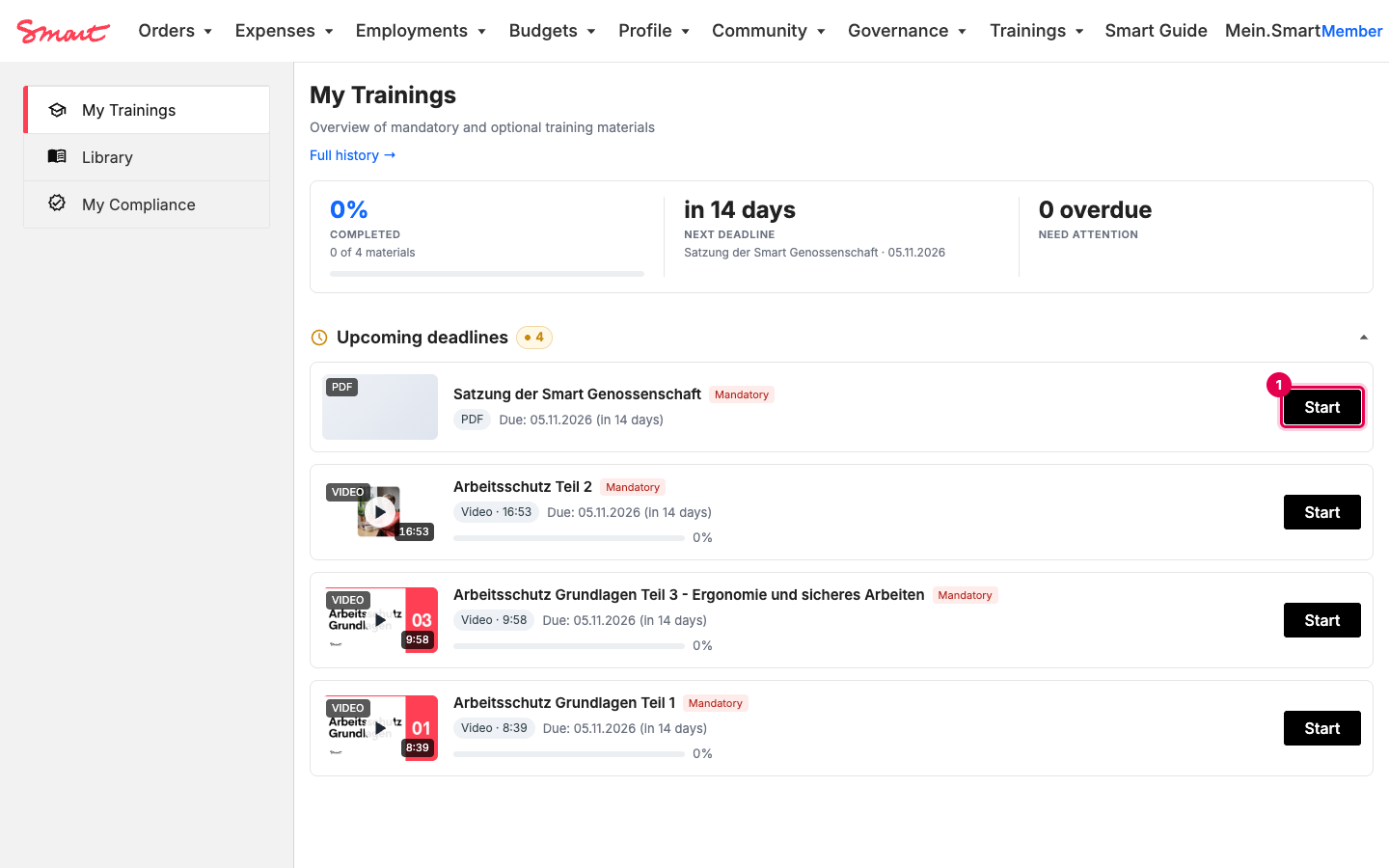
- Next to the document, click Start.
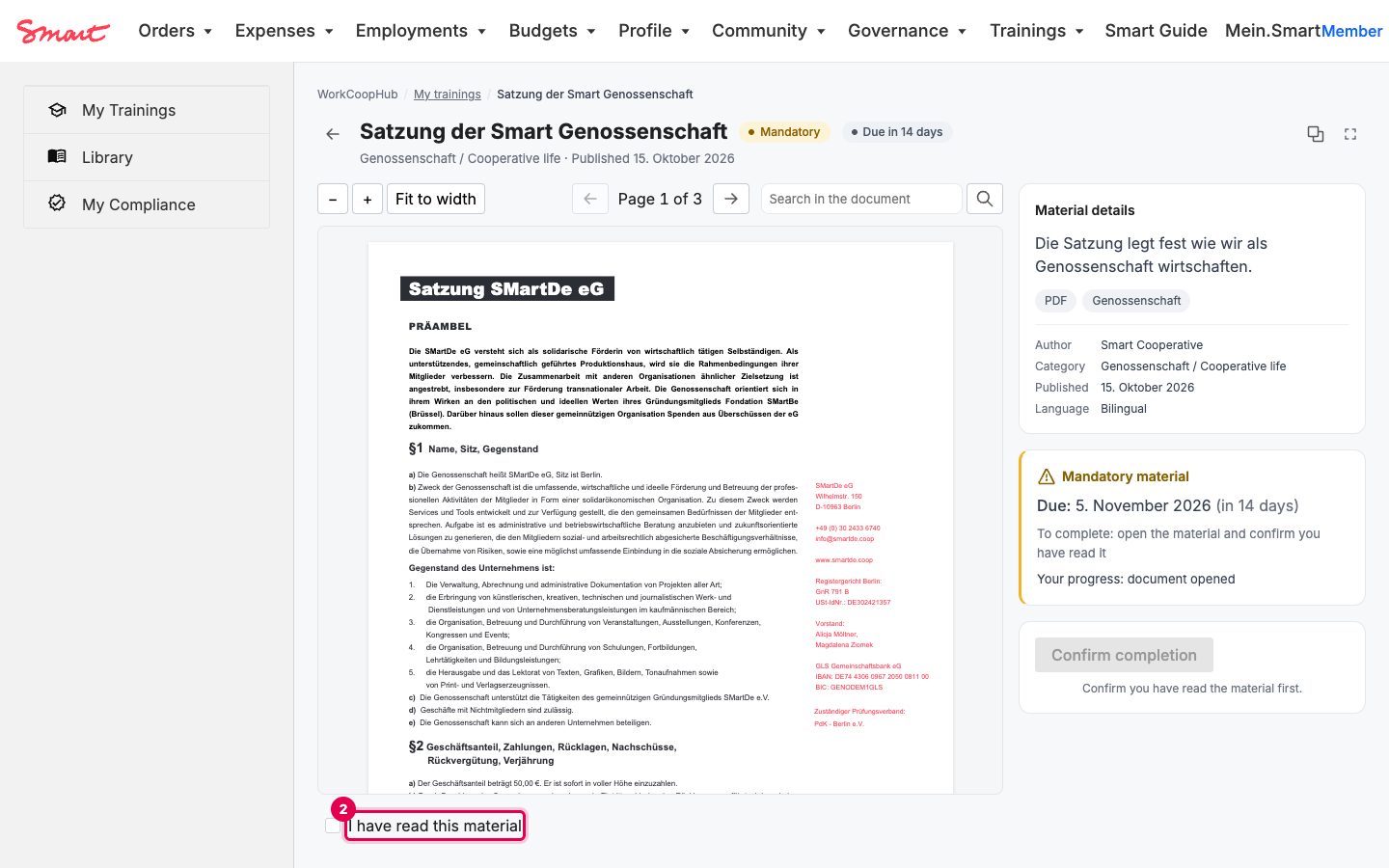
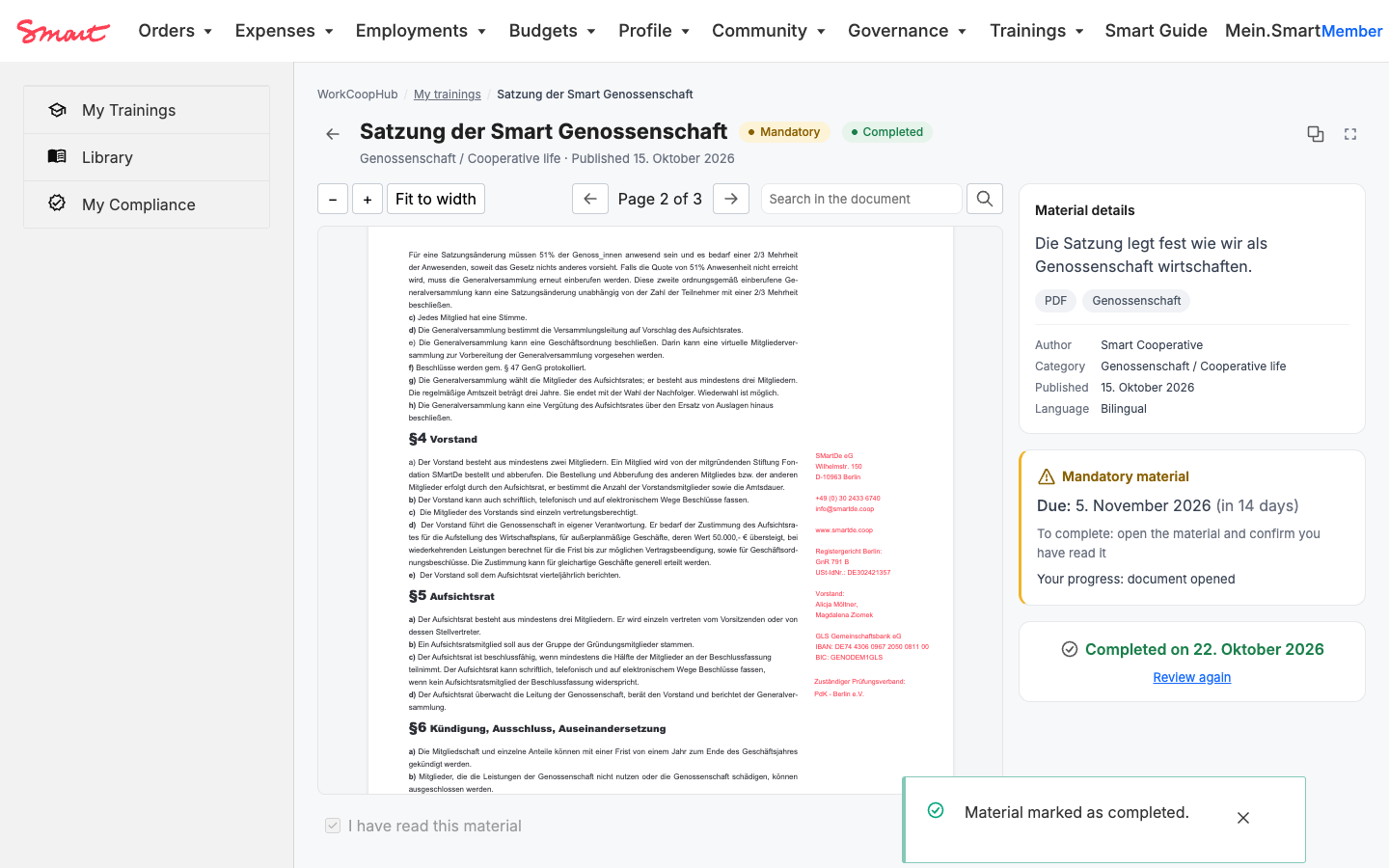
- The document opens. Read it. You can go to the next page, zoom in and search in the text. When you have read it, tick I have read this material below the document.
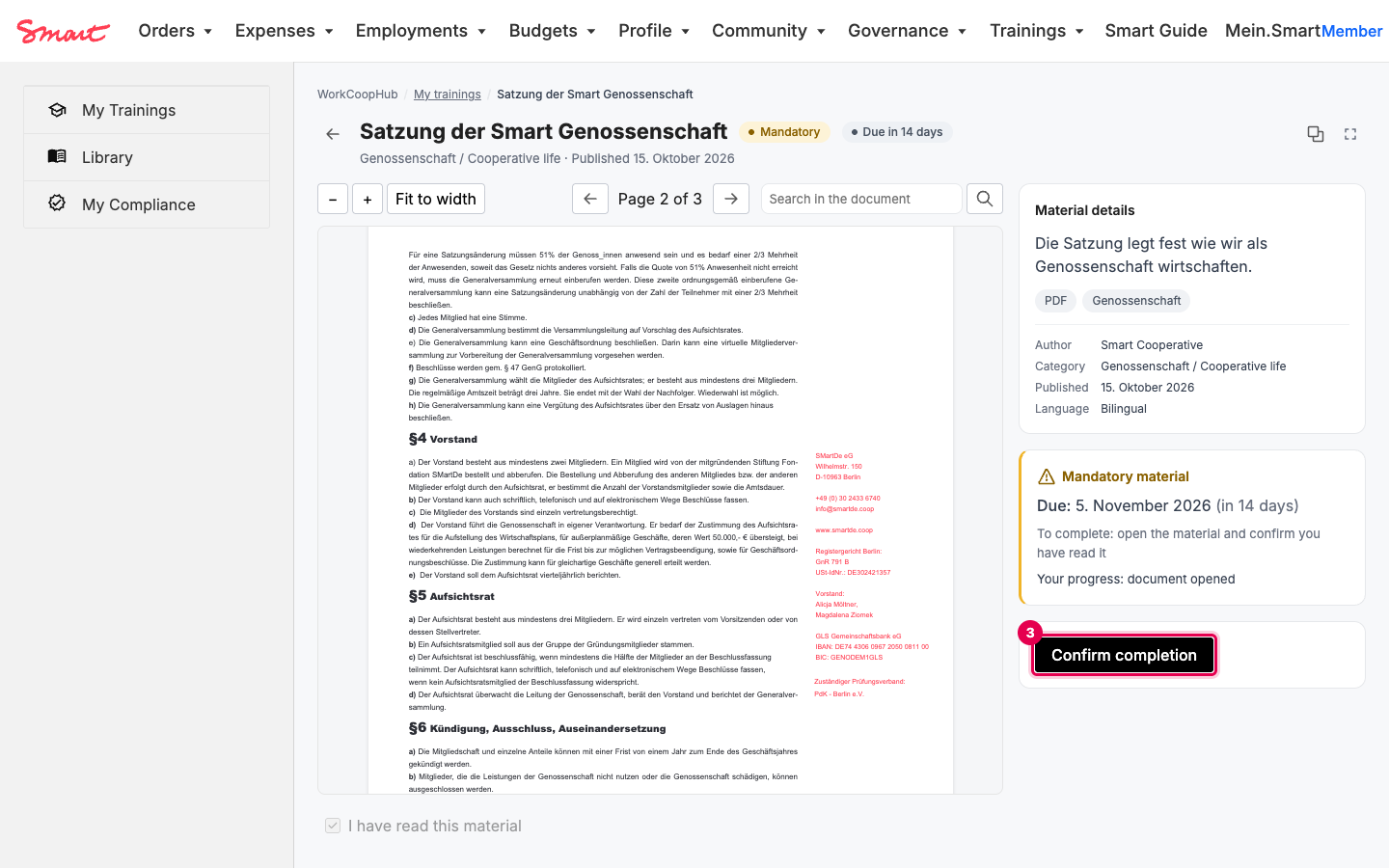
- On the right, click Confirm completion.
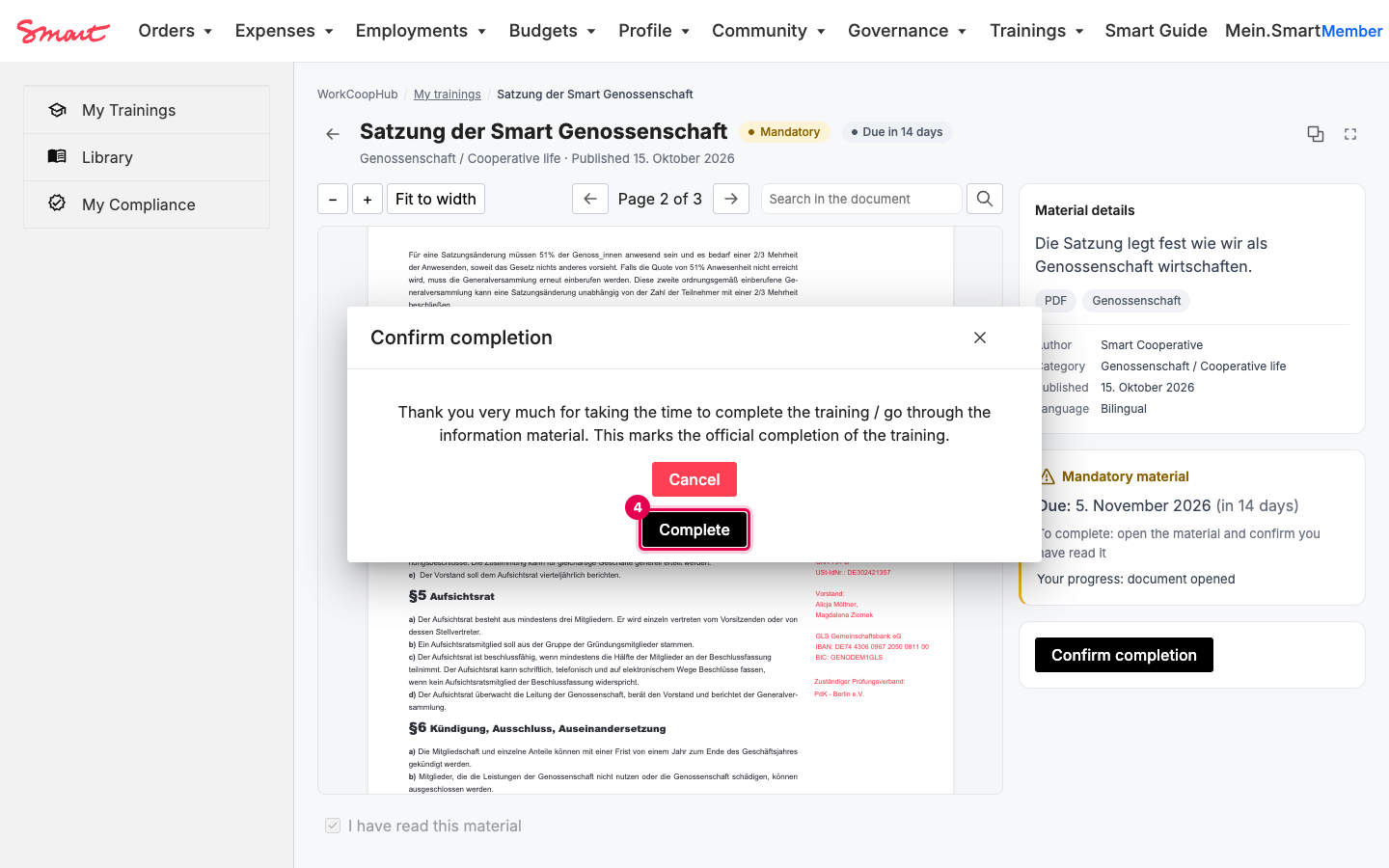
- A window opens. Click Complete.
Done. On the right you now see Completed on and the date.
No comments to display
No comments to display