
2. My Trainings: what you have to do
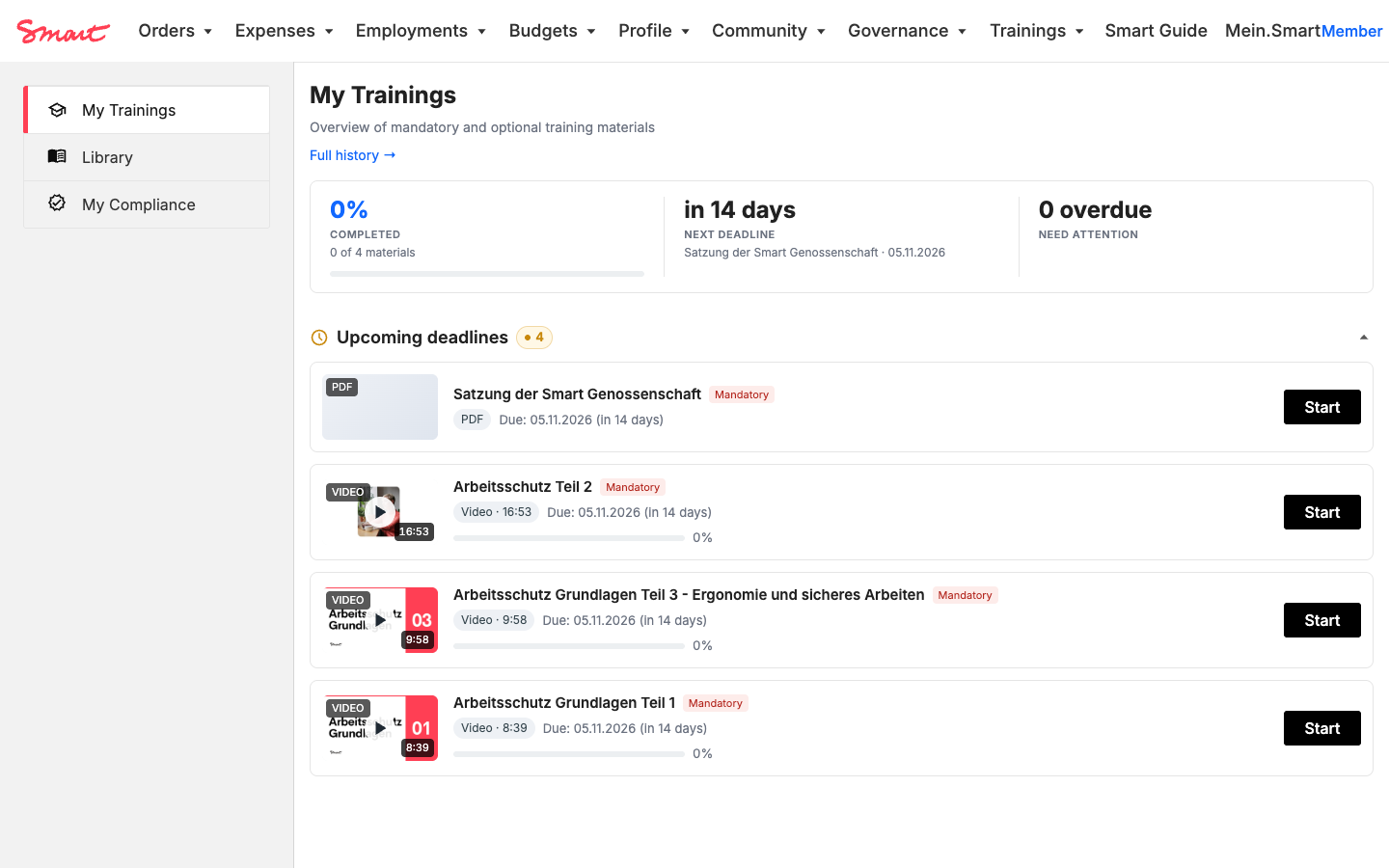
This page shows everything you have to do.
- At the top you see how much you have finished, your next due date and how many materials are late.
- Under Upcoming deadlines you see your mandatory materials, with the nearest due date first.
- Under each video you see how far you are (for example
0%). - The button says Start if you have not opened the material yet, and Continue if you have started it.
No comments to display
No comments to display