6. My Compliance: your training history
Importing...My Compliance shows everything you have done, with dates.
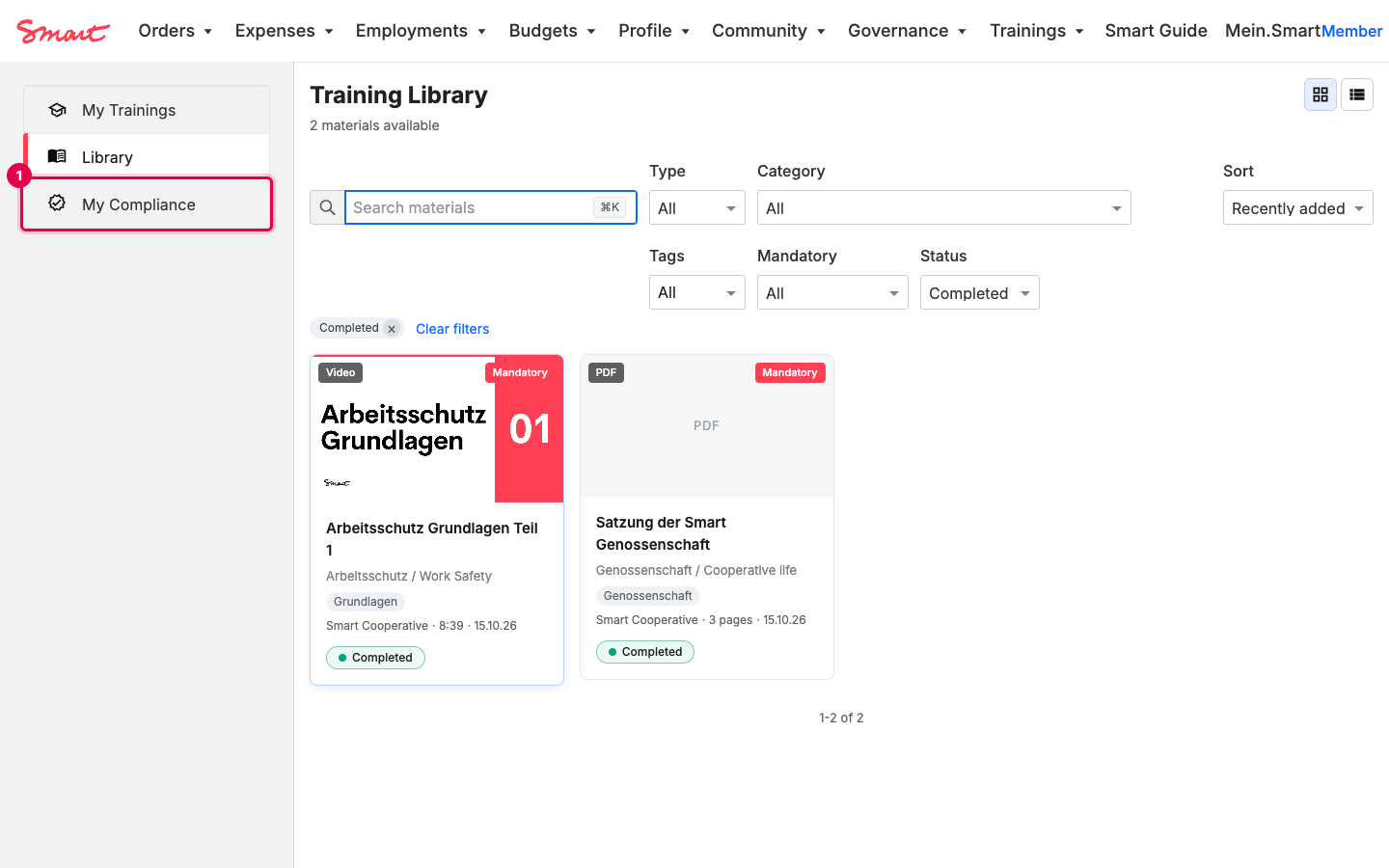
On the left, click My Compliance.
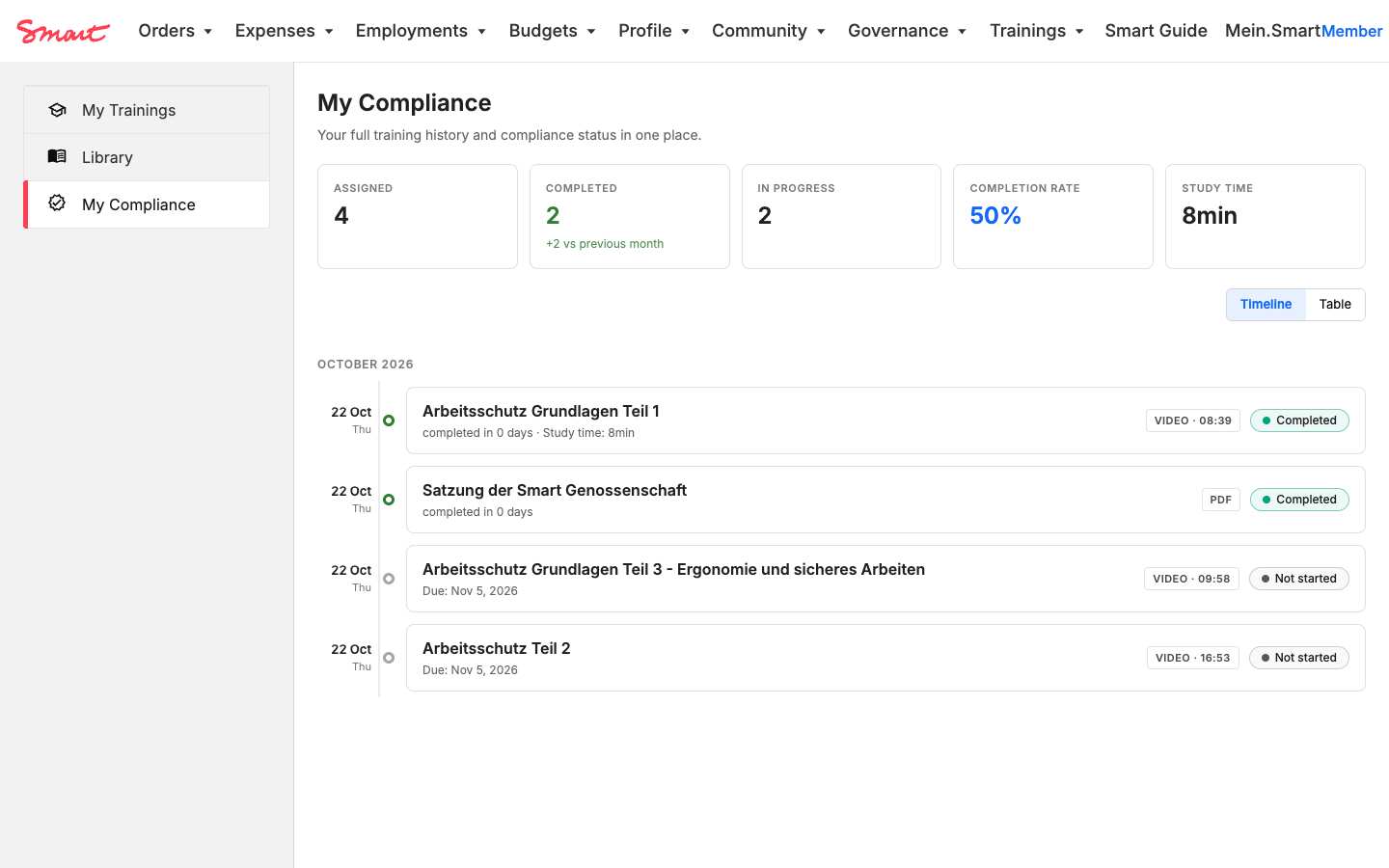
At the top you see:
Assigned: how many materials you have to do,
Completed: how many you have finished,
In progress: how many are not finished yet,
Completion rate: how much you have finished, in percent,
Study time: how much time you spent on trainings.
Below you see your history as a timeline, newest first.
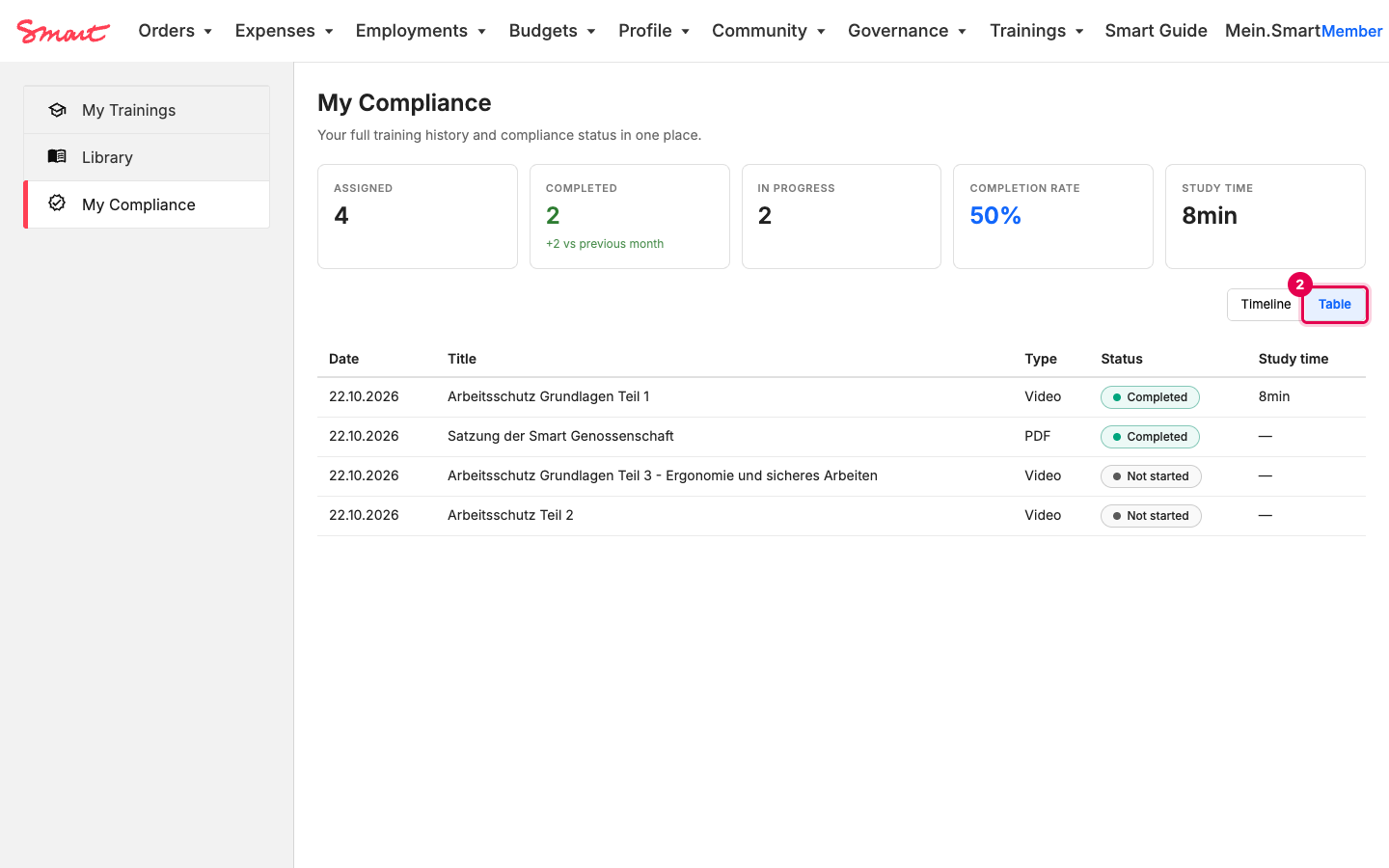
Click Table to see the same history as a list.
What the status means:
Status
Meaning
Not started
You have not opened the material yet.
In progress
You have started, but not finished.
Completed
You have finished the material.
Overdue
The due date has passed and you have not finished. Please finish it as soon as you can.
Withdrawn
Smart has removed the material. You do not need to do it anymore.