
6. My Compliance: your training history
My Compliance shows everything you have done, with dates.
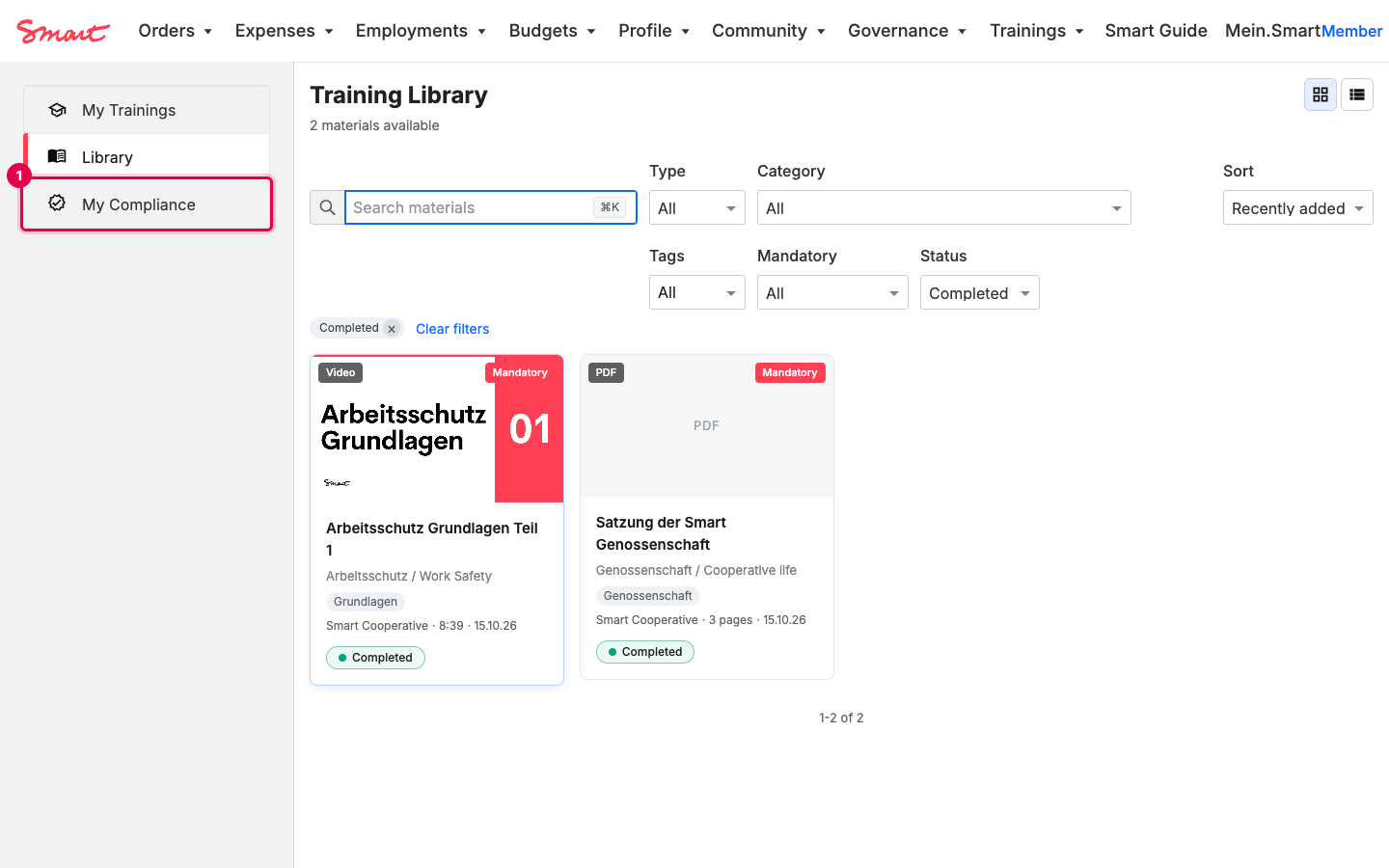
- On the left, click My Compliance.
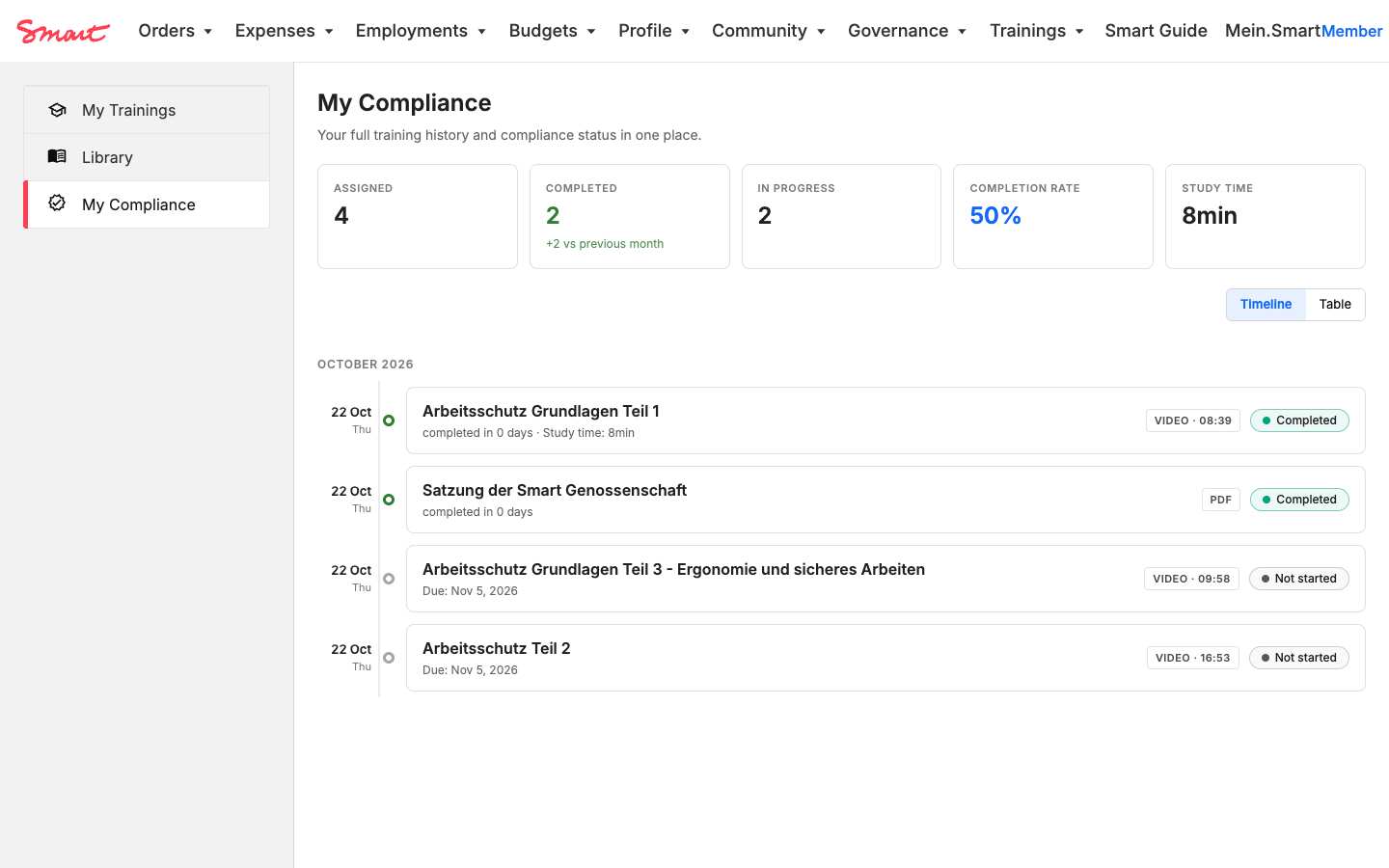
At the top you see:
- Assigned: how many materials you have to do,
- Completed: how many you have finished,
- In progress: how many are not finished yet,
- Completion rate: how much you have finished, in percent,
- Study time: how much time you spent on trainings.
Below you see your history as a timeline, newest first.
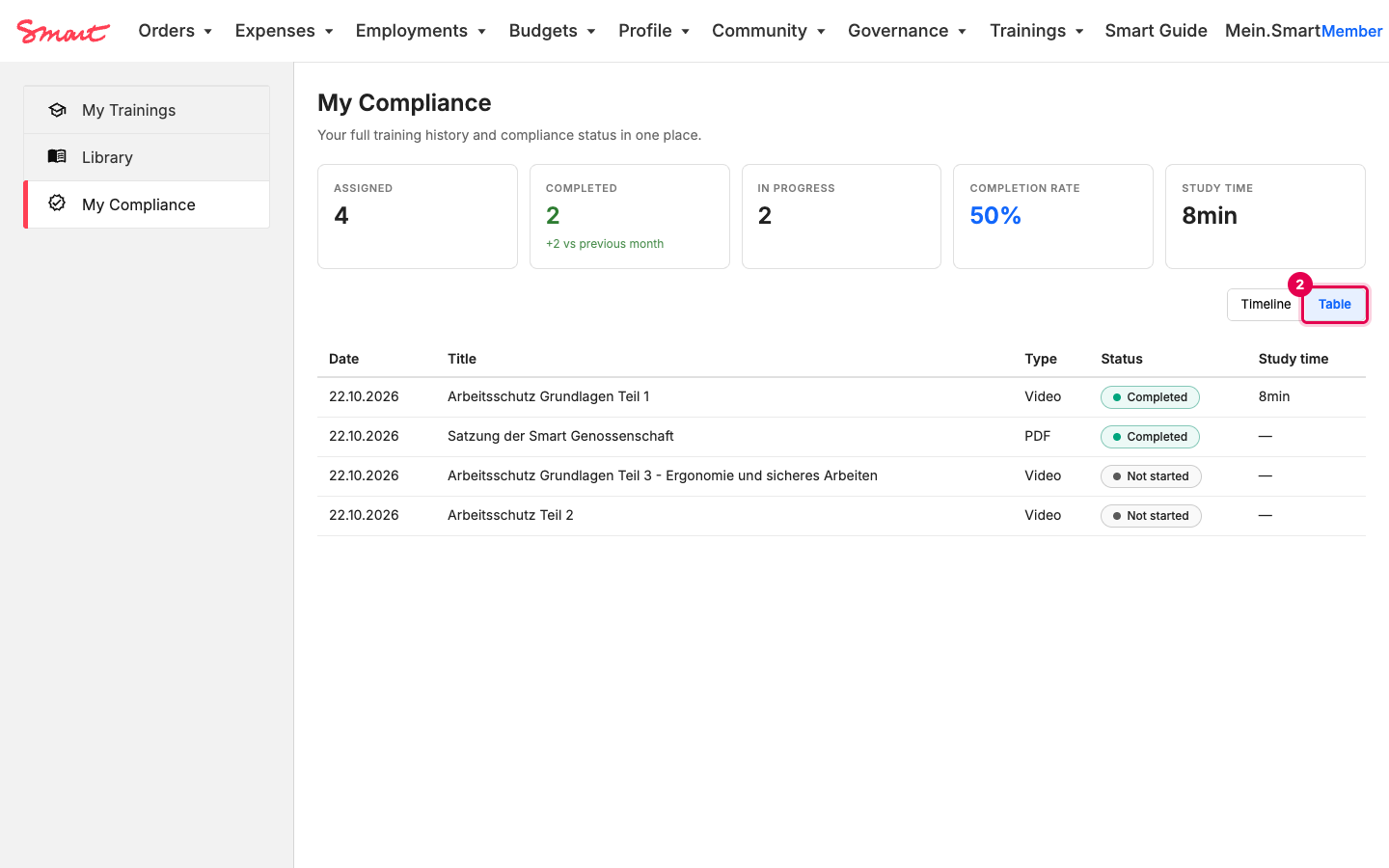
- Click Table to see the same history as a list.
What the status means:
| Status | Meaning |
|---|---|
| Not started | You have not opened the material yet. |
| In progress | You have started, but not finished. |
| Completed | You have finished the material. |
| Overdue | The due date has passed and you have not finished. Please finish it as soon as you can. |
| Withdrawn | Smart has removed the material. You do not need to do it anymore. |
No comments to display
No comments to display