
5. Library: all materials for you
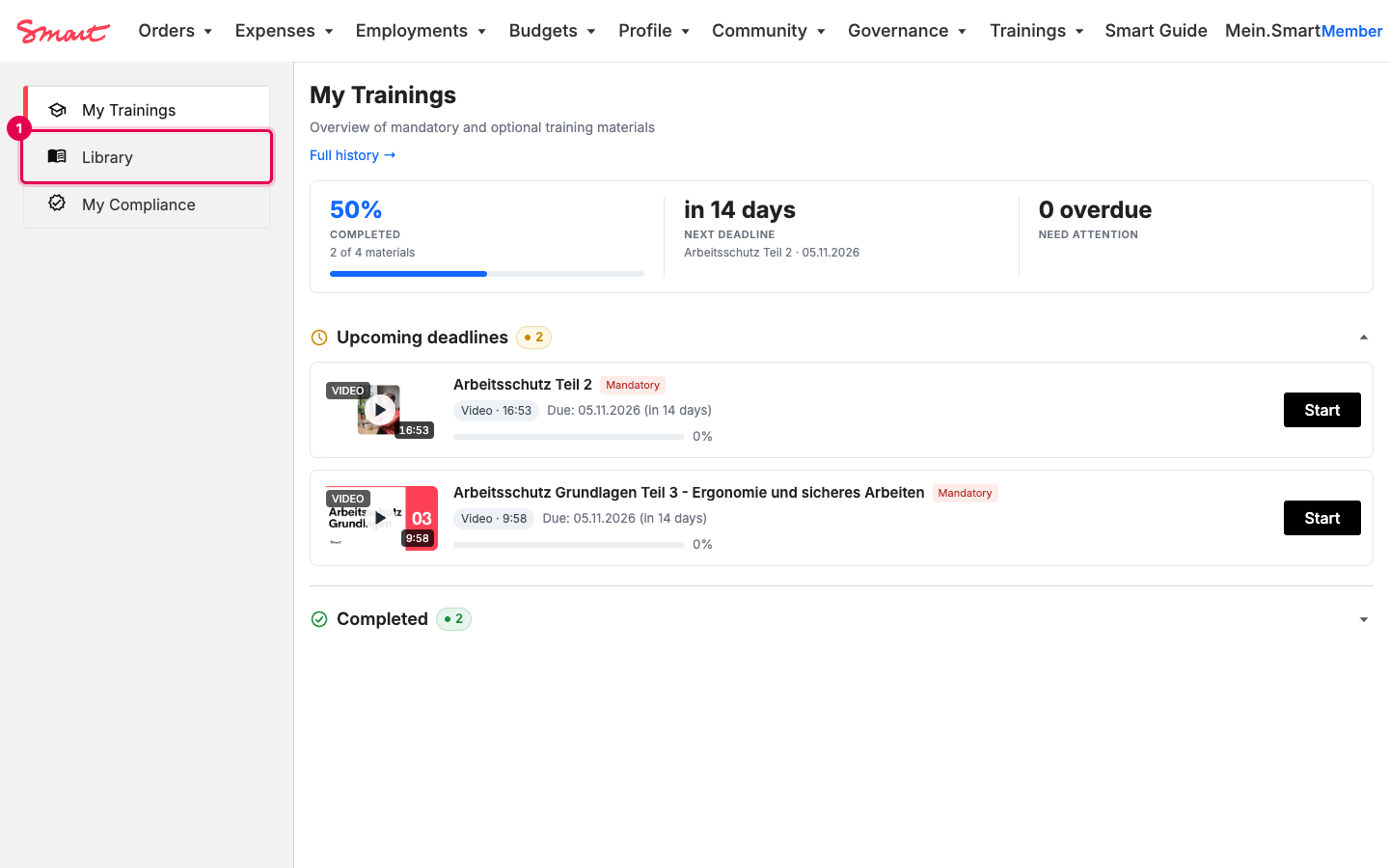
The Library shows all materials that are meant for you: mandatory and voluntary.
- On the left, click Library.
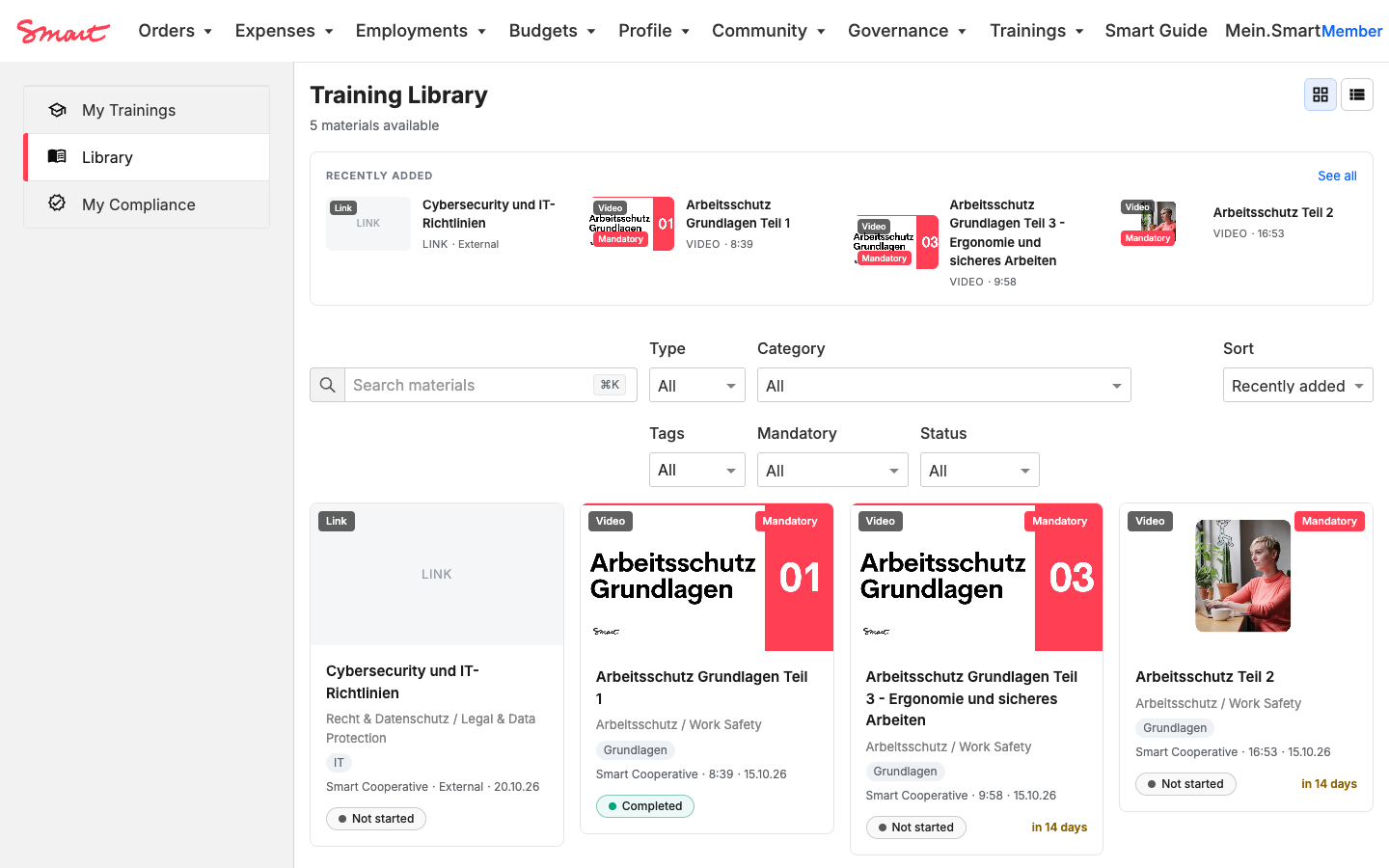
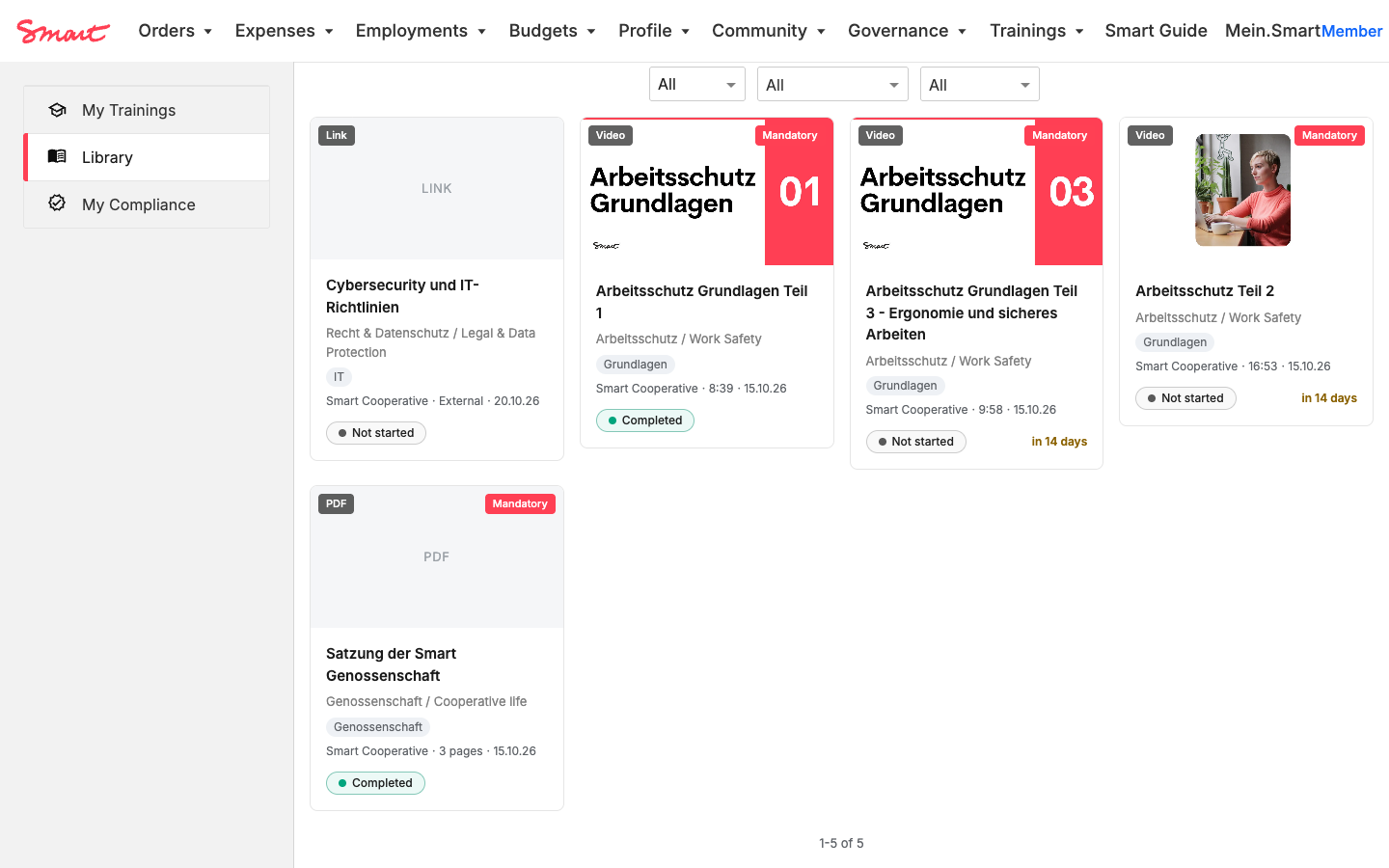
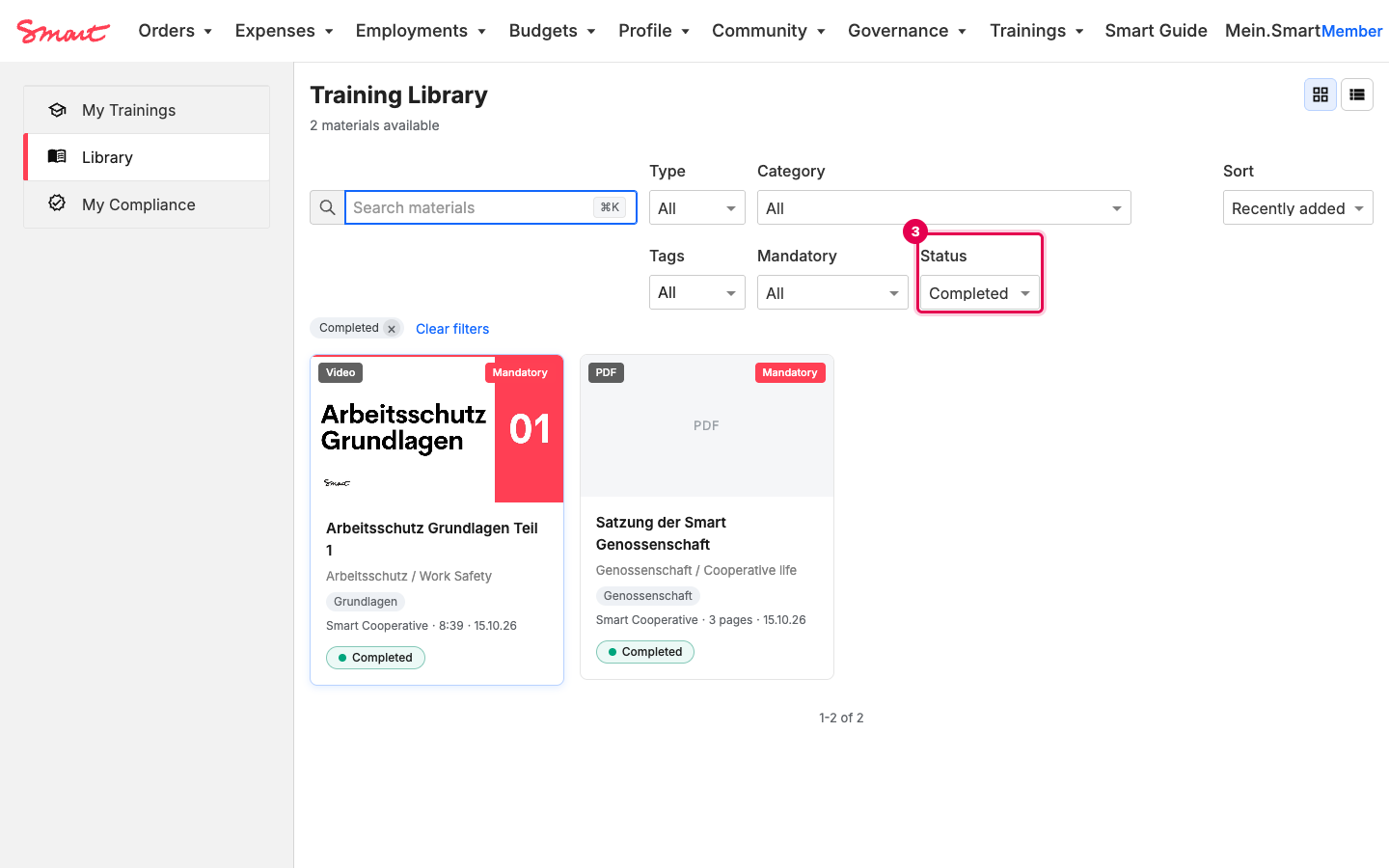
At the top you see the newest materials. Below you see all materials as cards. Each card shows the type (PDF, video, link), if it is mandatory, and your status: Not started, In progress or Completed.
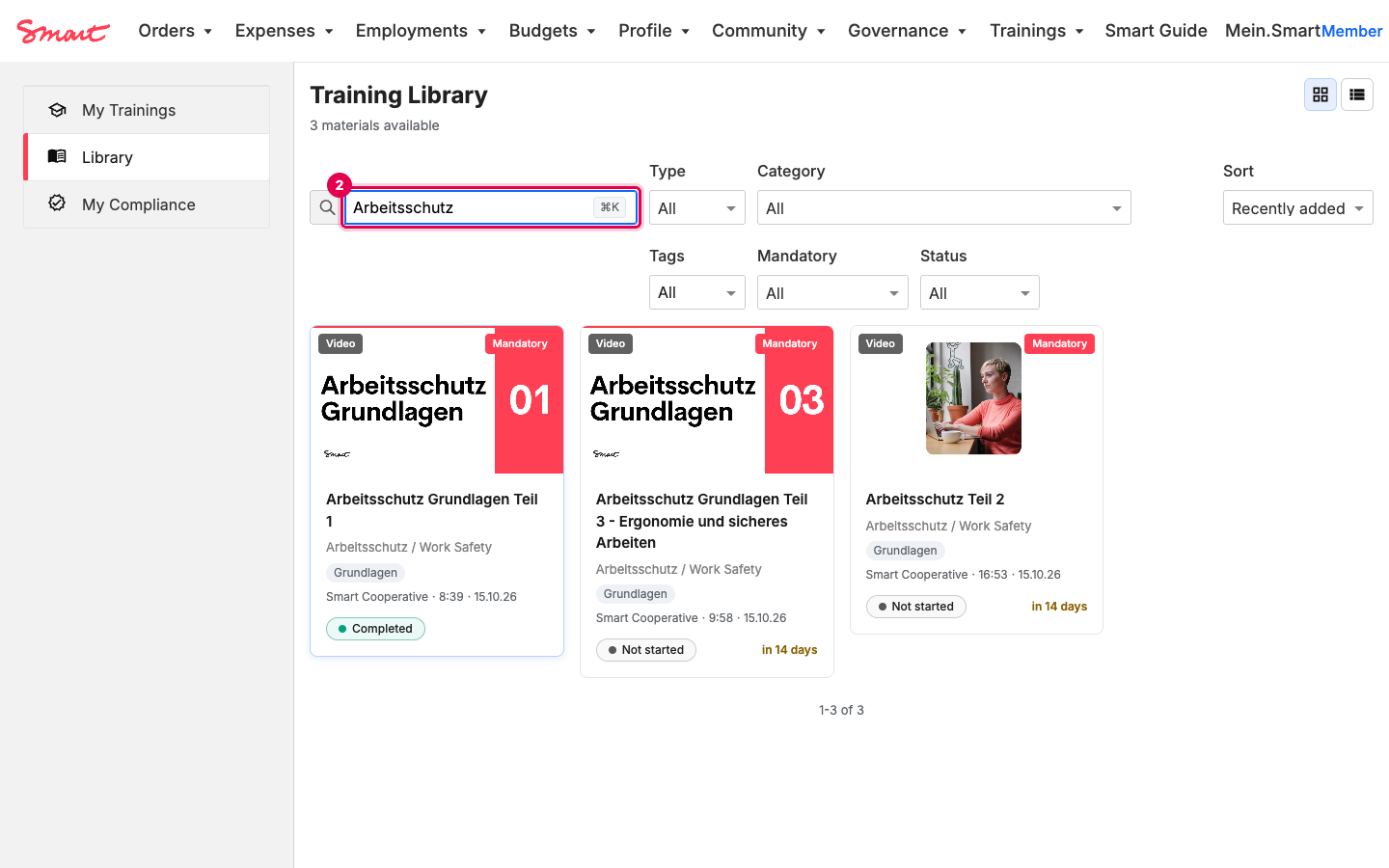
- To find a material, type a word in Search materials.
- You can also filter the list. For example, choose Completed under Status to see only what you have finished. Click Clear filters to see everything again.
No comments to display
No comments to display