# Noticeboard
#### Sort and filter
You can filter the noticeboard according to those three criteria:
- **category (e.g. jobs, workshops, cooperations, ressources)**
- **sector**
- **city**
You can also simply click on one of the headers in the table to sort accordingly.
[](https://guide.smartde.coop/en/uploads/images/gallery/2024-04/hDeimage.png)
#### Subscribe
If you want to be posted on the new content on the noticeboard, you can subscribe in the top right corner.
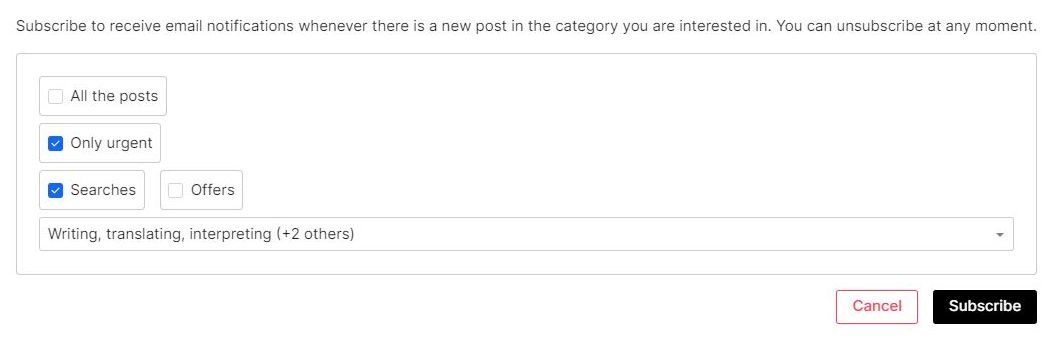
A window will pop up where you can choose what kind of updates do you wish. If you choose all posts, you will receive one e-mail per week with the updates and another one with each urgent notice. You can also choose to receive only urgent updates or limit the updates to one sector.
If you decide to receive only urgent notifications, you will need to specify the sector as well as if you are subcribing to searches, offers or both.
[](https://guide.smartde.coop/en/uploads/images/gallery/2024-04/Q6Fimage.png)
**Do you want to unsubscribe?**
Certainly your subscription can be adjusted according to criteria or finished any time. Just click again on the green button 'Subscribed', if you want to modify your e-mail flow.