Becoming a member
How to become a member of Smart?
Declaration of membership in the Portal
You can become a Smart member after attending an information session and an initial individual consultation. We look forward to welcoming you to our community of freelancers!
We will register you as a member once you have completed the following three formal steps:
- Register in the Smart Portal.
First, create your account in the Smart Portal by signing up.

2. Submit your declaration of membership (Beitrittserklärung)
Once logged in, submit your declaration of membership (Beitrittserklärung) online and fill in all required fields. If you are joining as a private individual, you may leave the Company Name / Artist Name field blank.
Important: This declaration refers only to membership in the cooperative. Submitting it does not mean you are employed by Smart.
To complete the online form, you will need your personal details and your identity card. At the end of the form, you will be asked to accept the following:
- The privacy policy (you can find all data protection declarations in this Smart Guide under Contact and Data protection declarations)
- YThe cooperative’s articles of association (which you must agree to before becoming a member). You can find the articles of association here.
- Consent to receive the Smart newsletter. We send regular newsletters with important information for members.
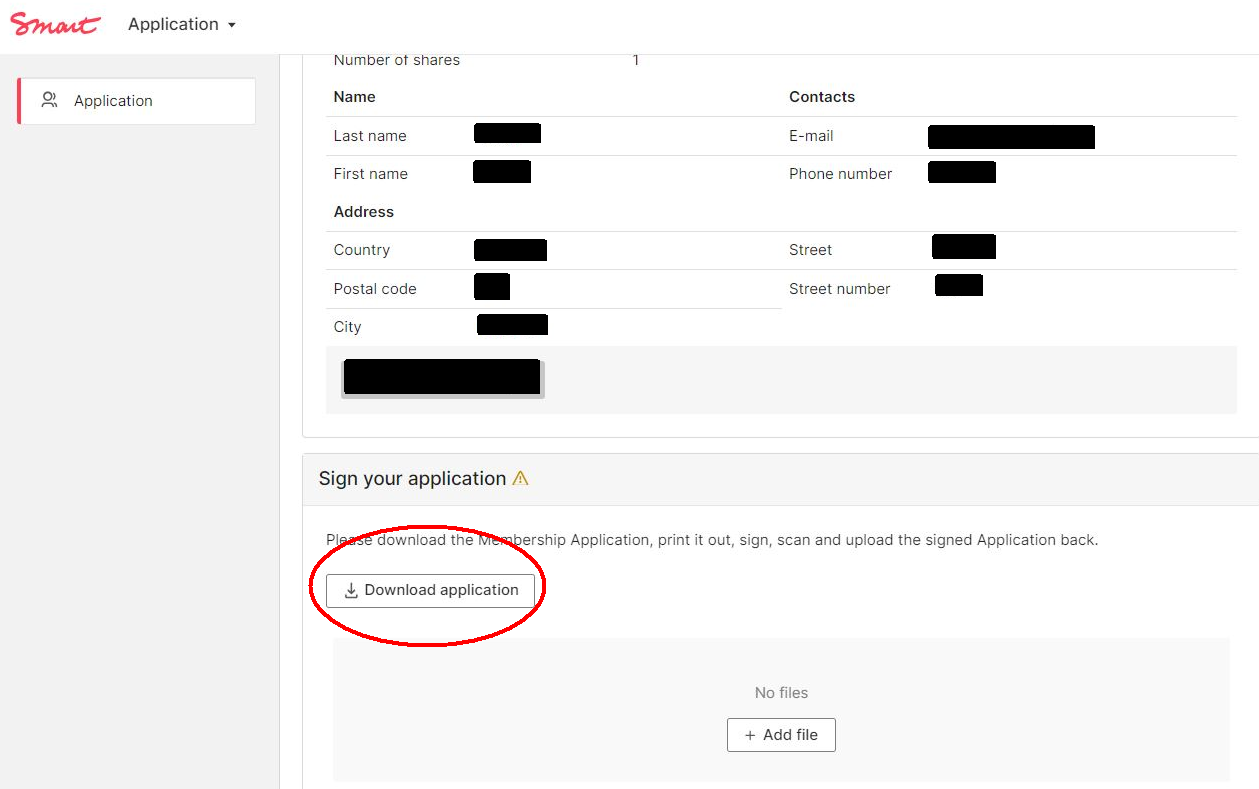
Please remember to download, sign, and upload the signed declaration in the Portal. Without this signed document, we cannot proceed with your membership.
3. Pay your share
Finally, please pay your cooperative share. This is a formal and legal requirement for admission to the cooperative. Membership can only be completed once the payment has been received.
You can choose how many shares you want to buy directly in the declaration of membership. One share costs €50 — this is a one-time payment.
Bank Transfer Details
Please transfer your payment using the following information:
|
Amount: 50 € for a cooperative share Bank: GLS Gemeinschaftsbank eG Name: SMartDe eG |
Employment Datasheet
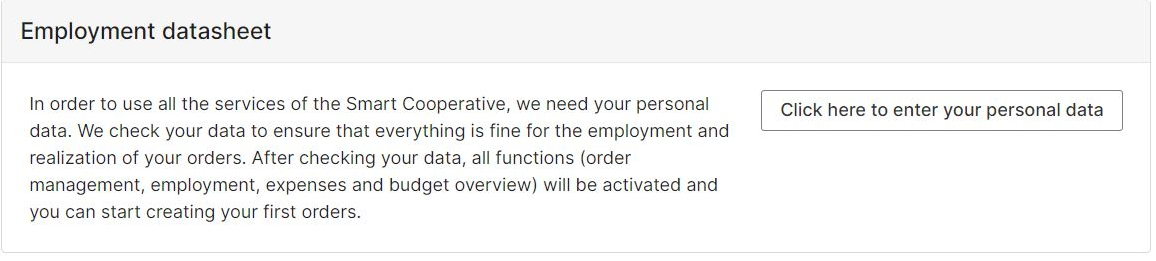
Once your membership has been activated in the Smart Portal, you will be asked to complete the employment data sheet. You'll be required to enter important employment-related data to start your contract. After completion of this form you'll be able to use other functions of the portal, such as creating your first order.
Please note that the personal details from the employment data sheet will have an impact on your payroll processing.
You will be lead step by step through the questionnaire here:
Personal Details
For legal reasons, we have to ask for your gender. Please enter your official gender as it appears on your identity card or travel document in the Gender field. If you use pronouns other than those on your ID card, you can specify your preference under Pronouns. You can also select 'Name' if you prefer to be addressed without pronouns.
Residence Permit
If you are not an EU citizen, you will most likely need a residence permit to work in Germany. We are therefore obliged to ask for this document.
With Smart you will have the status of an employee, so you will need to demonstrate a residence permit allowing full access to the labor market (note 'Erwebstätigkeit gestattet'). Visa for self-employment purpose (AufenthG § 21) is unfortunately not sufficient.
Please note that the information on access to the labor market is usually on the back of the residence permit, so we need both sides.
Marital status and tax class
We need this information for correct payroll processing. You can find your tax class on your previous income tax assessment notice (Lohnsteuerbescheid), on your income statement (Einkommensbescheid) or on your payslip (Lohnbeleg). If you have any questions, please contact your local tax office.
The Tax Identification Number
The tax identification number is an eleven-digit identification number that every citizen registered in Germany receives for tax purposes when they are born or when they first register in Germany.
You received the number in a letter from the Federal Central Tax Office. If you cannot find the letter, look for it on your income tax statement or on your last income tax assessment notice, or contact your local tax office.
If you have lost the letter or never received it, you can apply for the number to be reassigned here.
Please note: the tax identification number (Steueridentifikationsnummer) should not be confused with the tax number (Steuernummer), which you have to apply for separately to register your self-employed activity. If you process all your invoices via Smart and are not also self-employed, you do not need to apply for a tax number.
Health Insurance
While employed by Smart, you must register with a public health insurance provider. If you are already a member of a public health insurance provider, you just need to let us know which one, so we can forward your contributions there. It is up to you which health insurance provider (Krankenkasse) you choose.
If you do not have public health insurance yet, you can compare different providers via our partner Feather and register for one directly here.
Type of health insurance
Please note: As an employee in Germany you are obliged to be insured through the public health insurance. There is an exception for employees who earn more than 66.600 EUR gross per year (as of 2023). If that applies to you, you can alternatively opt for private insurance.