# Tools intern
Eine Übersicht der Orte, wo momentan Dateien gespeichert werden ist hier zurückzufinden: [Ablage Lohn.xlsx](https://smartde.sharepoint.com/:x:/s/SmartGenossenschaft/EaoaNUPZgKZAv1hxYcTgfwUB0y3HGjnfgslU41TniMcnfw?e=00dwPc)
Outlook - Postfächer
[Geteilte und individuelle Postfächer](https://guide.smartde.coop/books/wissenstransfer/page/e-mails)
Outlook - Kalender
Microsoft Teams
- [Chats, Kanäle und Planner](https://guide.smartde.coop/books/wissenstransfer/page/teams-chats) für interne Kommunikation, Aufgaben, Datenspeicherung
- Termine (Intern, Q&As, Beratungen)
Smart Portal
- Aufträge, Mahnungen, Rechnungen
- Budgetübersichte, Budgettransfers
- Anstellungsanfragen, Verträge
- Auslagenerstattungen, Direktzahlungen, Reisekosten
- Personaldaten
- Mitgliederliste
- Kundenliste
Smart Guide
Nextcloud
- Ablage von lohnrelevanten Dateien
- Allgemeine Dateien zum Teilen mit Mitgliedern
Jotform
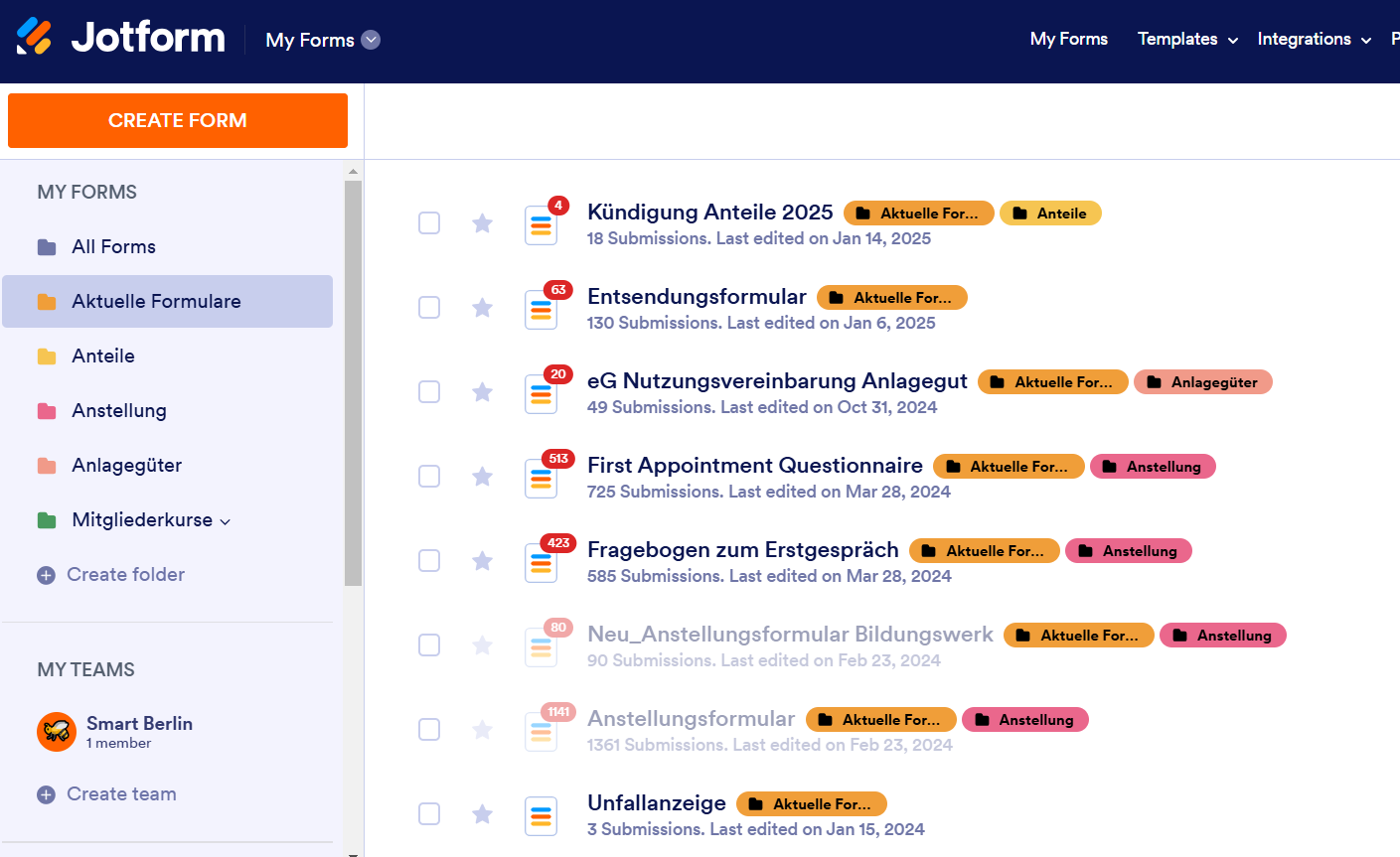
Folgende Formulare werden noch benutzt:
Erstberatungsformular / First Appointment Questionnaire, Entsendung, Unfallanzeige, Nutzungsvereinbarung, Kündigung der Genossenschaftsanteile
[](https://guide.smartde.coop/uploads/images/gallery/2025-01/pSzimage.png)
Bookings
Comdesk
Online Telefon
Zoom
Keepass
Speichern der Passworte
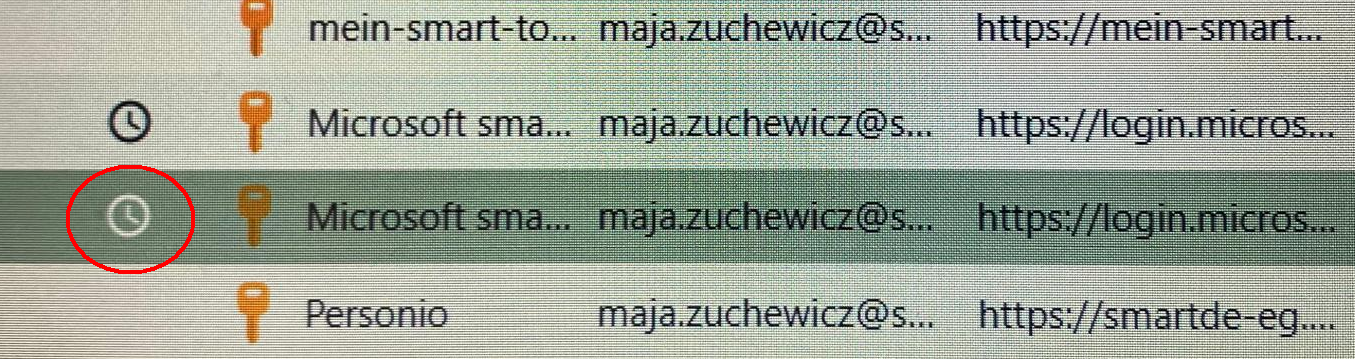
Ab und zu muss das Microsoft-Konto verifiziert werden. Man kann das mit dem über Keepass generierten Code machen.
[](https://guide.smartde.coop/uploads/images/gallery/2024-05/2BHimage.png)[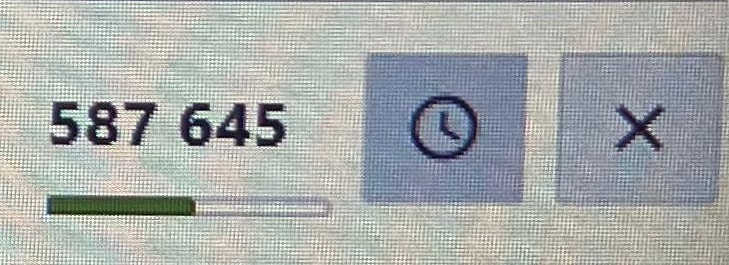](https://guide.smartde.coop/uploads/images/gallery/2024-05/BIeimage.png)
Sharepoint
[**Sharepoint: Datenspeicherung**](https://smartde.sharepoint.com/sites/SmartGenossenschaft/Freigegebene%20Dokumente/Forms/AllItems.aspx?id=%2Fsites%2FSmartGenossenschaft%2FFreigegebene%20Dokumente%2FGeneral&p=true&ct=1698404667543&or=Teams%2DHL&ga=1&LOF=1)
Stotax